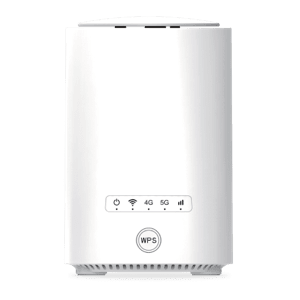
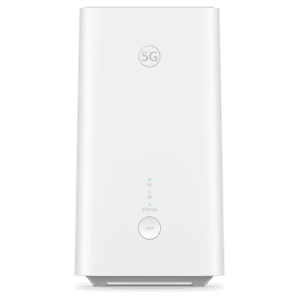
Set up your router in a few clicks.

APN update made easy.

Since you bought the router from us, it’s yours to keep.
You can update the APN settings anytime — for example, if you’re using a different SIM.

Just keep in mind: APN settings may vary depending on the SIM card or service provider

Our care team is here to help via the Virgin Mobile app.
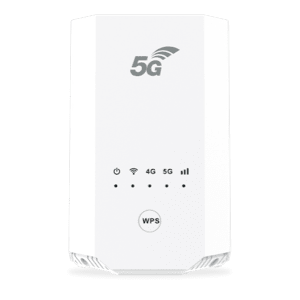
For Tozed & Konka Routers

  • Insert the other service provider’s SIM and make sure you have their APN settings.
    You can contact their care team.
  • Connect your device to the router’s Wi-fi
  • Open a browser and enter 192.168.70.1
  • Login using the admin username and password
  • Tozed router X28
    Tozed router X28

    Username: Admin

    Password: VmobileCPE

    Konka router KJ57
    Konka router KJ57

    Username: Admin

    Password: Conf

  • Go to “Internet Function” > “APN settings” > “Main APN” > Input the APN Name
    and APN Profile then confirm.

For Huawei Router

  • Insert the other service provider’s SIM and make sure you have their APN settings.
    You can contact their care team.
  • Connect your device to the router’s Wi-fi
  • Open a browser and enter 192.168.70.1
  • Login using the admin username and password
  • H155-380 / 383
    H155-380 / 383

    Username: Admin

    Password: VmobileCPE

  • Go to “Internet Function” > “APN settings” > “Main APN” > Input the APN Name and
    APN Profile then confirm.

Any questions? Contact us

Web chat

Please write a message to start the chat.
Send