virgin mobile internet

Unlock Buy 1 Get 1 Free Offers & Discounts

Get a plan and enjoy 7 days of the week with Virgin Mobile ENTERTAINER

Offer valid on Yearly Mobile Plans with 10GB+ and Yearly Home Internet Plans
virgin mobile plans

Save more with amazing offers

We are now partnered with the ENTERTAINER. Choose a Yearly Home Internet Plan with router or a Yearly 10GB+ Mobile Plan and unlock free 12 months subscription to Virgin Mobile ENTERTAINER, within our app. Save more, live more.​

The offer list keeps growing!

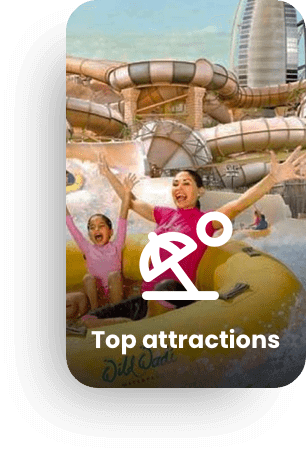
entertainer top attractions
entertainer hotel offers
Entertainer buffets offers
entertainer brunches offers

Here's what you get

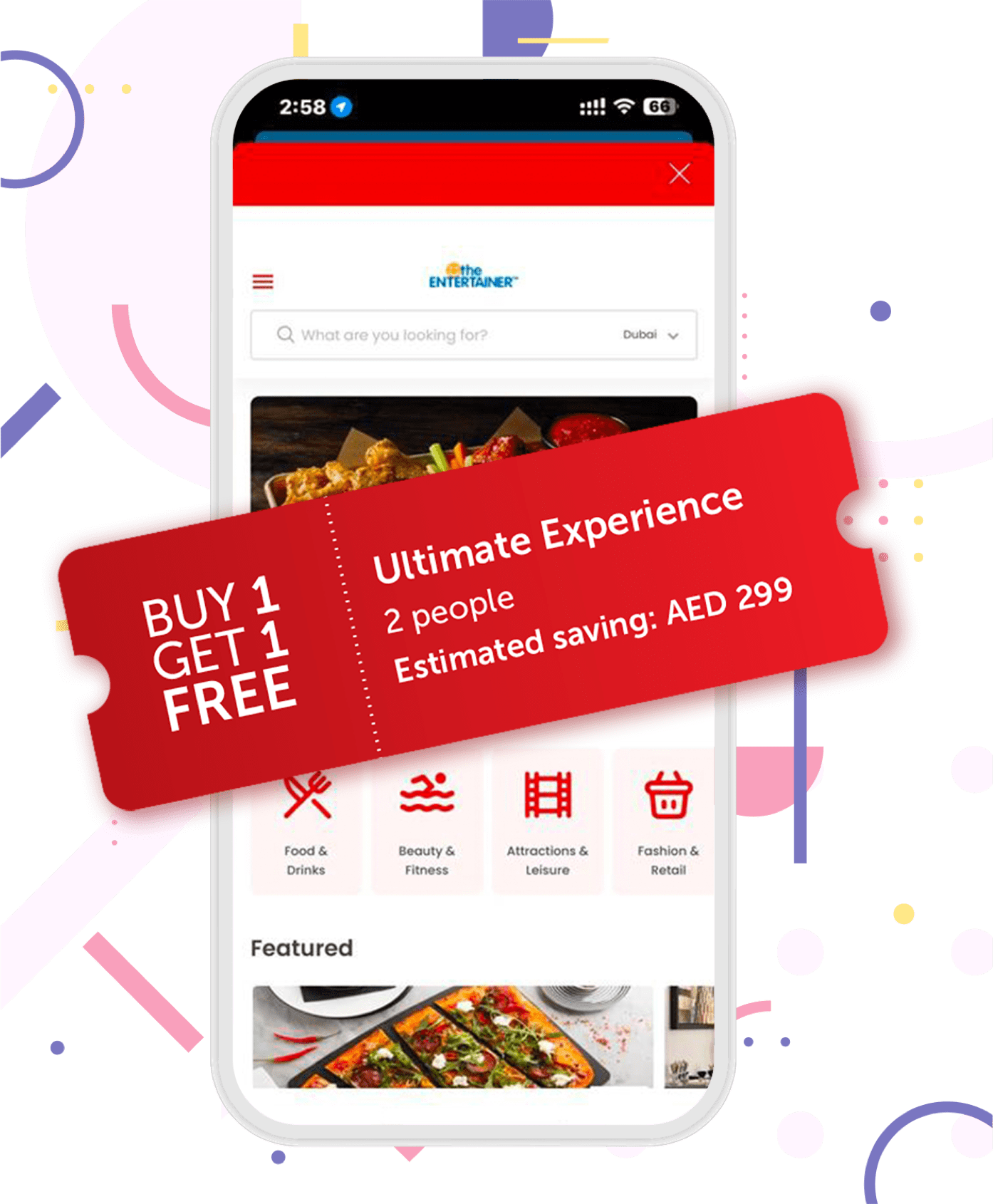
Buy 1 Get 1 Free

Buy 1 Get 1 Free

Best way to save. BIG offers mean you recover your initial spending on the app in no time.

% off

% off

Deals with up to a whopping 50% off

virgin mobile
Discount codes

Discount codes

Save more on your e-commerce shopping

Flash offers

Flash offers

Be on the hunt for these sweet, limited time deals
virgin mobile offer

How can I get the free subscription?

Follow these SIMple steps:

  1. Order a Yearly Mobile Plan with at least 10GB of data or a Yearly Home Internet subscription. You can do this online or in-store
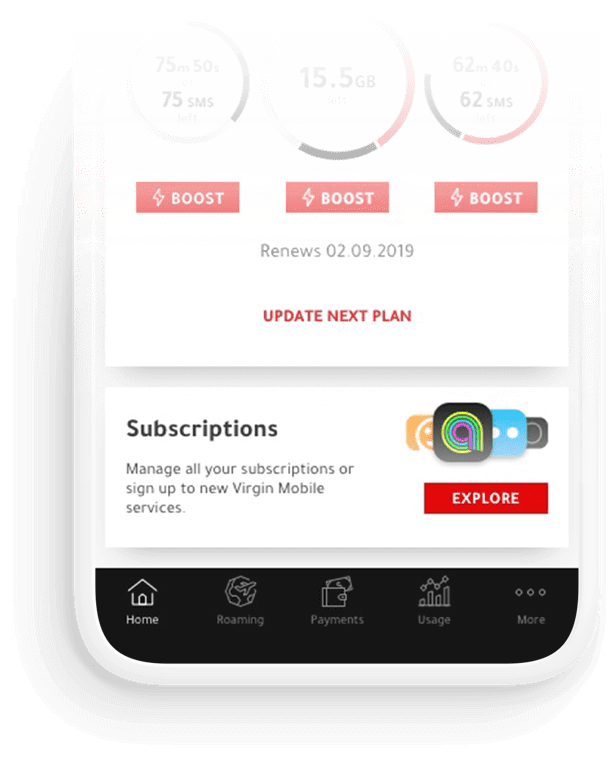
  2. Once you activate the plan, open the Virgin Mobile app and go to the Subscriptions section
  3. Find the offer and activate it

Enjoy your subscription!

Get started

We’ve got some terms and conditions

  • The Virgin Mobile ENTERTAINER subscription is accessible only through the Virgin Mobile app
  • The offer is available for new customers who are getting a Yearly Mobile Plan with 10GB+ data or a Yearly Home Internet plan
  • Your subscription will be a free 1-year subscription to Virgin Mobile ENTERTAINER
  • The offer will no longer apply to you if you downgrade your plan to have less than 10GB of data, if you don't renew your mobile plan, cancel your home internet plan, in case your ID expires, or if your account is suspended

Got questions?

Where can I learn more about Tourist Plans with The Entertainer?

What is the ENTERTAINER?

It’s your all-access pass to Buy One, Get One Free deals across the UAE - from dining and theme parks to beaches, spas, fitness, kids’ activities and more. All powered by the ENTERTAINER, all inside your Virgin Mobile app.

How do I get these Buy One, Get One Free offers?

Just grab an Unlimited Data Only Tourist Plan (10-day or 20-day). Once your plan is activated, the ENTERTAINER perks unlock automatically in the app.

How do I access the offers?
Super simple:

  1. Open the Virgin Mobile app
  2. Scroll down to ‘Subscriptions’
  3. Tap ‘The ENTERTAINER’

Boom - browse and redeem instantly.

How long are the offers valid?

Your ENTERTAINER benefits match your plan duration:

  • 10-day plan = 10 days of Buy One, Get One Free
  • 20-day plan = 20 days of Buy One, Get One Free

When your plan ends, the offers end too.

What kind of offers do I get?

Think food, fun, sun - and everything in between. Offers span:

  • Dining
  • Theme parks
  • Beach access
  • Attractions & activities
  • Kids’ fun
  • Wellness, spas & fitness

All neatly listed in your app.

Can I extend my ENTERTAINER access?

We’d love to say yes - but no, the benefits only stay active during your Unlimited Tourist Plan and can’t be extended.

Was this helpful?

How long does my Virgin Mobile ENTERTAINER subscription last?

As a resident, your subscription will last for 12 months from the date that you activate the Virgin Mobile ENTERTAINER.

For the Tourist plans, your ENTERTAINER benefits match your plan duration:

  • 10-day plan = 10 days of Buy One, Get One Free
  • 20-day plan = 20 days of Buy One, Get One Free
Was this helpful?

How do I access the Virgin Mobile ENTERTAINER offers from the Virgin Mobile app?

  1. Open the app
  2. Go to the subscription section at the bottom of the home screen
  3. Tap on the Virgin Mobile Entertainer subscription
  4. Select the button to open
  5. Voila! That’s it!
Was this helpful?
Have more questions?

Visit our FAQs page and message us

Visit FAQs

Web chat

Please write a message to start the chat.
Send